Choose what the checkout offers
Pick the payment methods a payment's page offers with `methods`, narrow what one frame shows with `view`, and lay out the same payment across several frames of your own checkout.
By default the hosted payment page offers the card form and the wallets enabled on your account. Two knobs change that, and they work for every flow that returns a redirectUrl:
methods, onPOST /payments, decides what the payment may offer. It is enforced on our side: a method left out of the list can't be used to pay, whatever a page shows.view, on the page URL, decides what one frame shows of those methods. It only narrows, never widens, so you can build the URL yourself.
This lets your own checkout offer "Card", "Apple Pay" and "Bank transfer" as separate choices while there is one payment, so the customer can only pay once and you reconcile one id.
methods: what the payment may offer
List the methods in methods when you create the payment:
{
  "externalId": "order-123",
  "amount": 49.99,
  "currency": "USD",
  "methods": ["card", "wallets", "apms"],
  "customer": { "externalId": "cus_9", "email": "grace@example.com", "name": "Grace Hopper" }
}| Value in the request | Offers |
|---|---|
card | The card form |
wallets | Apple Pay and Google Pay, as enabled on your account |
apms | Every APM enabled on your account |
ideal, bancontact, blik, twint, revolut_bank | That one APM |
Rules worth knowing:
- Omitted,
methodsis["card", "wallets"]: the page you have today. - Order matters for APMs: they show in the order you list them.
apmsshows all of them in our order. - Any combination works:
["card"]for a card form without wallets,["wallets"]for a wallet-only page,["ideal"]for one APM. - A method your account can't offer right now is left out, not refused. A wallet switched off, an APM not enabled, a customer outside a trial allowlist: the page shows what remains. The payment is only refused when nothing remains.
- Subscriptions take only the card form. Wallets and APMs leave nothing to bill renewals with, so they are left out of a subscription's first charge.
The response tells you what the page offers
While the payment is open on the hosted page, the response carries methods resolved for this customer. It names each method concretely, so wallets comes back as apple_pay and google_pay, and anything your account can't offer is gone:
{
  "id": "pay_6f1c",
  "status": "created",
  "redirectUrl": "https://pay.mintcash.com/c/cs_abc",
  "checkoutToken": "cs_abc",
  "methods": ["card", "apple_pay", "ideal", "bancontact"]
}| Value in the response | Meaning |
|---|---|
card | The card form will render |
apple_pay, google_pay | That wallet button will render |
ideal, bancontact, blik, twint, revolut_bank | That APM will render |
Use it to decide which of your frames to mount, and to show your own hints ("Pay with iDEAL available"). The list is what the page would show right now; a method we switch off later disappears from the page too, so treat it as informative, not as a contract. GET /payments/{paymentId} returns the same field for as long as redirectUrl is present.
When POST /payments refuses methods
| Request | Response |
|---|---|
| Empty list, or a value we don't recognise | 400 |
Anything but card when your account doesn't use the hosted page | 400, "methods other than card require hosted checkout" |
| Nothing left to offer this customer | 400, "methods leaves nothing this customer can pay with" |
cardToken together with an APM | 400, a saved-card charge has no page to show |
walletToken without wallets, or with an APM | 400, the wallet button already chose Apple Pay |
Repeating a request with the same externalId returns the payment as it was first created, methods included, even if your account's settings changed in between.
view: what one frame shows
Append view to the redirectUrl to show a subset of the payment's methods in that frame. It takes a comma-separated list of the same values as methods, plus apple_pay and google_pay for one wallet on its own:
view | Shows |
|---|---|
| (absent) | Everything the payment offers, as one page |
card | The card form only |
wallets | The wallet buttons only |
apple_pay | One wallet button |
apms | Every APM the payment offers |
ideal | One APM button |
card,wallets | Today's page without the APMs |
The page shows the intersection of the payment and the view, in the usual order: wallets, APMs, then the card form. A view can only hide. If it names a method the payment doesn't offer, that method simply isn't there.
Two edge cases are deliberate:
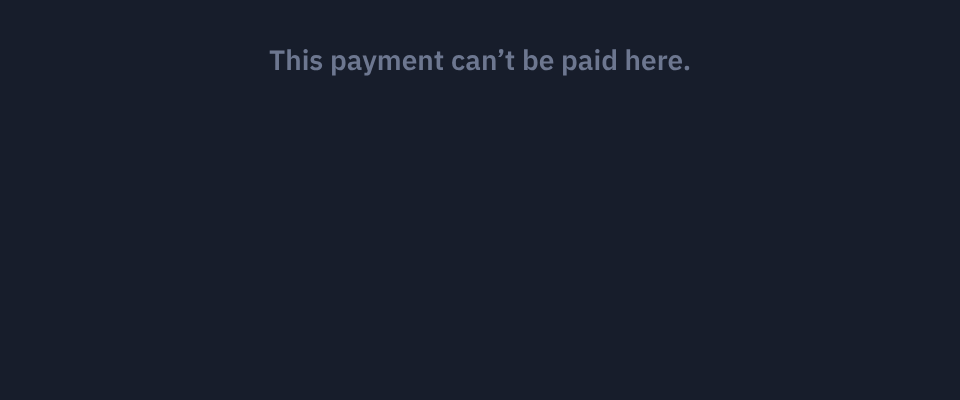
- A frame whose view leaves nothing shows "This payment can't be paid here." and posts nothing to your page, since the payment may be payable in another frame. Mount a frame only when the response's
methodsincludes something it would show. - A view made only of values we don't recognise, a typo for instance, also shows nothing, and the page logs the values to the browser console so it surfaces the first time a developer loads it.
apmsLayout: tiles or a list
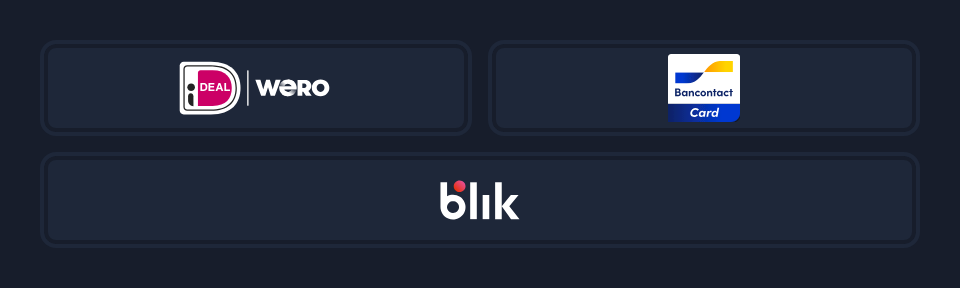
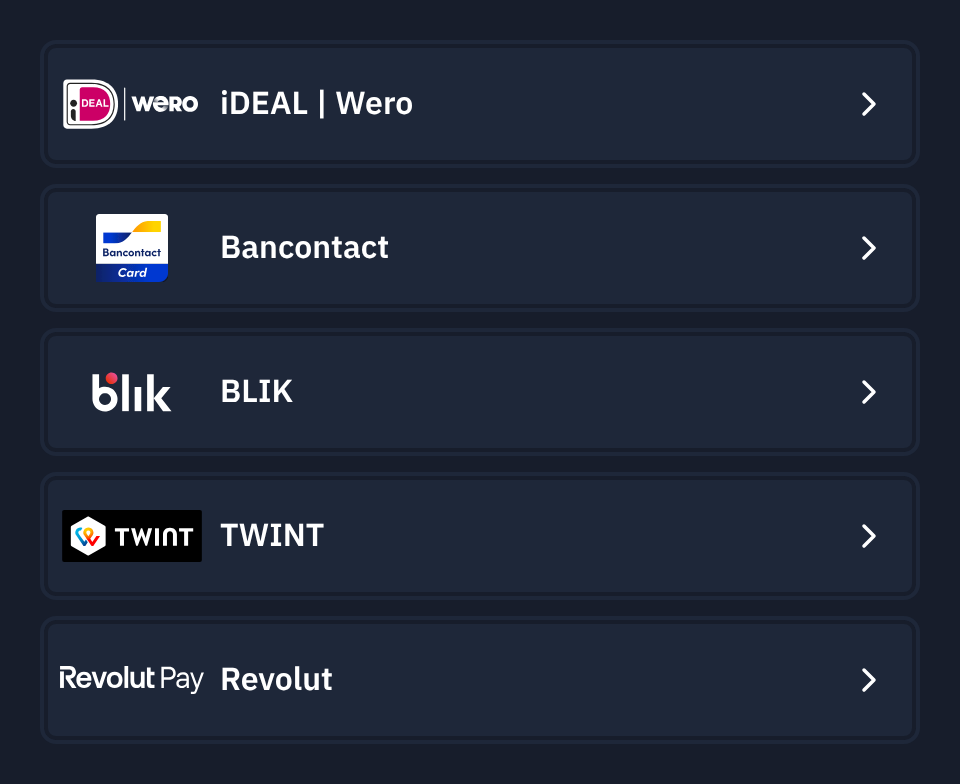
APMs render as logo tiles: two per row, three per row from six APMs, five from ten. Add apmsLayout=list for full-width rows with the method's name, which suits a frame that owns a whole panel:
| Tiles (default) | List |
|---|---|
 |  |
One payment, several frames
The pattern for a checkout with its own method tabs: create one payment with everything the customer may use, then embed the same redirectUrl once per tab with a different view.
// Server: one payment for the whole checkout.
const r = await fetch("https://api.mintcash.me/payments", {
  method: "POST",
  headers: {
    Authorization: `Basic ${btoa(`${publicKey}:${secretKey}`)}`,
    "Content-Type": "application/json",
  },
  body: JSON.stringify({
    externalId: orderId,
    amount: 49.99,
    currency: "USD",
    methods: ["card", "wallets", "apms"],
    returnUrl: `${baseUrl}/order/${orderId}/complete`,
    customer: { externalId: customerId, email: customer.email, name: customer.name },
  }),
});
const { redirectUrl, methods } = await r.json();

// Mount only the tabs that have something to show.
const tabs = {
  card: methods.includes("card") ? `${redirectUrl}?view=card,wallets` : null,
  bank: methods.some((m) => !["card", "apple_pay", "google_pay"].includes(m))
    ? `${redirectUrl}?view=apms&apmsLayout=list`
    : null,
};<iframe id="tab-card" src="{tabs.card}" allow="payment"></iframe>
<iframe id="tab-bank" src="{tabs.bank}" allow="payment" hidden></iframe>// Browser: one listener for both frames. Every message carries the frame's view.
window.addEventListener("message", (event) => {
if (event.origin !== MINTCASH_CHECKOUT_ORIGIN) return;
const msg = event.data;
const frame = document.getElementById(msg.view?.startsWith("card") ? "tab-card" : "tab-bank");
if (msg?.type === "mintcash:resize") frame.style.height = `${msg.height}px`;
if (msg?.type === "mintcash:progress" && msg.stage === "started") {
lockTabs(); // the customer committed to paying in this frame
}
if (msg?.type === "mintcash:checkout") {
if (msg.status === "succeeded") showConfirmation(); // fulfil on the webhook, not here
else if (msg.status === "pending") showStillProcessing();
else unlockTabs(); // declined, failed, expired, cancelled
}
});What holds it together:
- A payment can only be paid once. The first frame the customer pays in claims it. If they then try the other frame, that frame reports the payment as in progress, and
mintcash:checkoutarrives there with statuspending. Lock the other tab onmintcash:progressso they don't get that far. - Both frames are the same session. Switching between them creates nothing and loses nothing.
viewis on every message a frame posts when it was opened with one, normalised to lowercase without spaces. Frames opened without a view post messages in their existing shape.- Wallet-only frames (
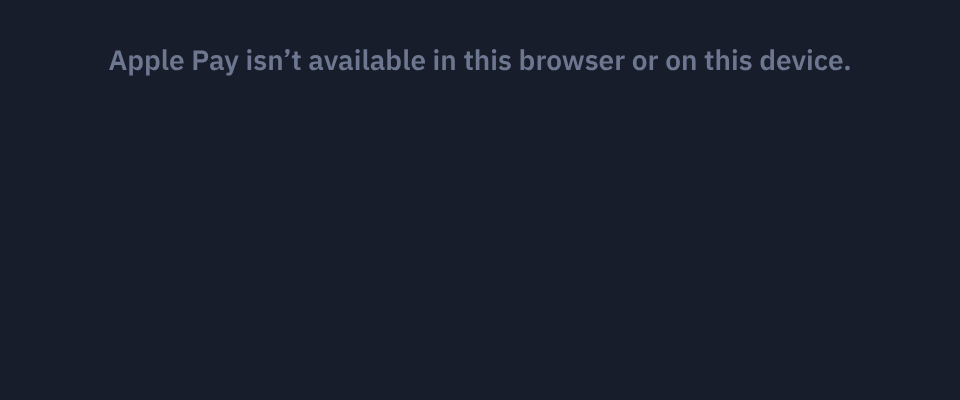
view=wallets,apple_payorgoogle_pay, or a payment withmethods: ["wallets"]) also postmintcash:walletonce per wallet, saying whether it works on the customer's device, so you can hide a frame that has nothing to offer. When no wallet shown works, the frame says so:
Sandboxed iframes need to open a tab
APMs open the bank in a new tab from a click inside the frame. If you set
the sandbox attribute on the iframe, add allow-popups allow-popups-to-escape-sandbox, or every APM button reports the tab as
blocked. Wallets and the card form are unaffected.
See also
- Accept APMs: the methods, the flow through the bank, and what the customer sees
- Embed the checkout: the full message reference
- Accept Apple Pay: wallet-only pages
Accept APMs
Offer alternative payment methods (APMs) such as iDEAL, Bancontact, BLIK, TWINT and Revolut Pay on the hosted payment page: how to switch them on, how the payment flows, what the customer sees at each step and what to test before going live.
Set up a subscription
Create a recurring billing agreement with one API call. Mintcash handles renewals, retries, dunning emails, and cancellation.