Accept APMs
Offer alternative payment methods (APMs) such as iDEAL, Bancontact, BLIK, TWINT and Revolut Pay on the hosted payment page: how to switch them on, how the payment flows, what the customer sees at each step and what to test before going live.
Alternative payment methods, APMs for short, let the customer pay from a bank account or a payment app instead of a card. The payment page sends them to their bank, or to the app on their phone, to approve the payment, then brings them back. This guide covers switching APMs on, the integration, what the customer sees at each step, and what to test.
Before you start
APMs are available on request. Tell your account manager which ones you want, and we enable them on your account.
| APM | instrument | Used by customers | Settles in |
|---|---|---|---|
| iDEAL | ideal | In the Netherlands | EUR |
| Bancontact | bancontact | In Belgium | EUR |
| BLIK | blik | In Poland | PLN |
| TWINT | twint | In Switzerland | CHF |
| Revolut Pay | revolut_bank | With a Revolut account | EUR |
Your payment stays in the currency you created it in. The customer approves the amount in the APM's currency, converted by our provider at the time of payment, and every webhook and GET /payments response reports your currency and amount.
APMs are for one-time payments
An APM payment leaves no saved card behind, so it can't fund a subscription's renewals. Subscription checkouts never show APMs.
Integration
Your integration is the one-time payment flow, plus one field. List what the payment's page may offer in methods on POST /payments, with apms for every APM enabled on your account, or the APMs by name:
const r = await fetch("https://api.mintcash.me/payments", {
  method: "POST",
  headers: {
    Authorization: `Basic ${btoa(`${publicKey}:${secretKey}`)}`,
    "Content-Type": "application/json",
  },
  body: JSON.stringify({
    externalId: orderId,
    amount: 49.99,
    currency: "USD",
    methods: ["card", "wallets", "apms"],
    returnUrl: `${baseUrl}/order/${orderId}/complete`,
    customer: {
      externalId: customerId,
      email: customer.email,
      name: customer.name,
    },
  }),
});

const { redirectUrl, methods } = await r.json();
The response's methods lists what the page will offer this customer, for example ["card", "apple_pay", "ideal", "bancontact"]. Every rule of methods, how to show the same payment in separate frames of your checkout, and the list layout are in Choose what the checkout offers. The rest of this guide is about the APM flow itself.
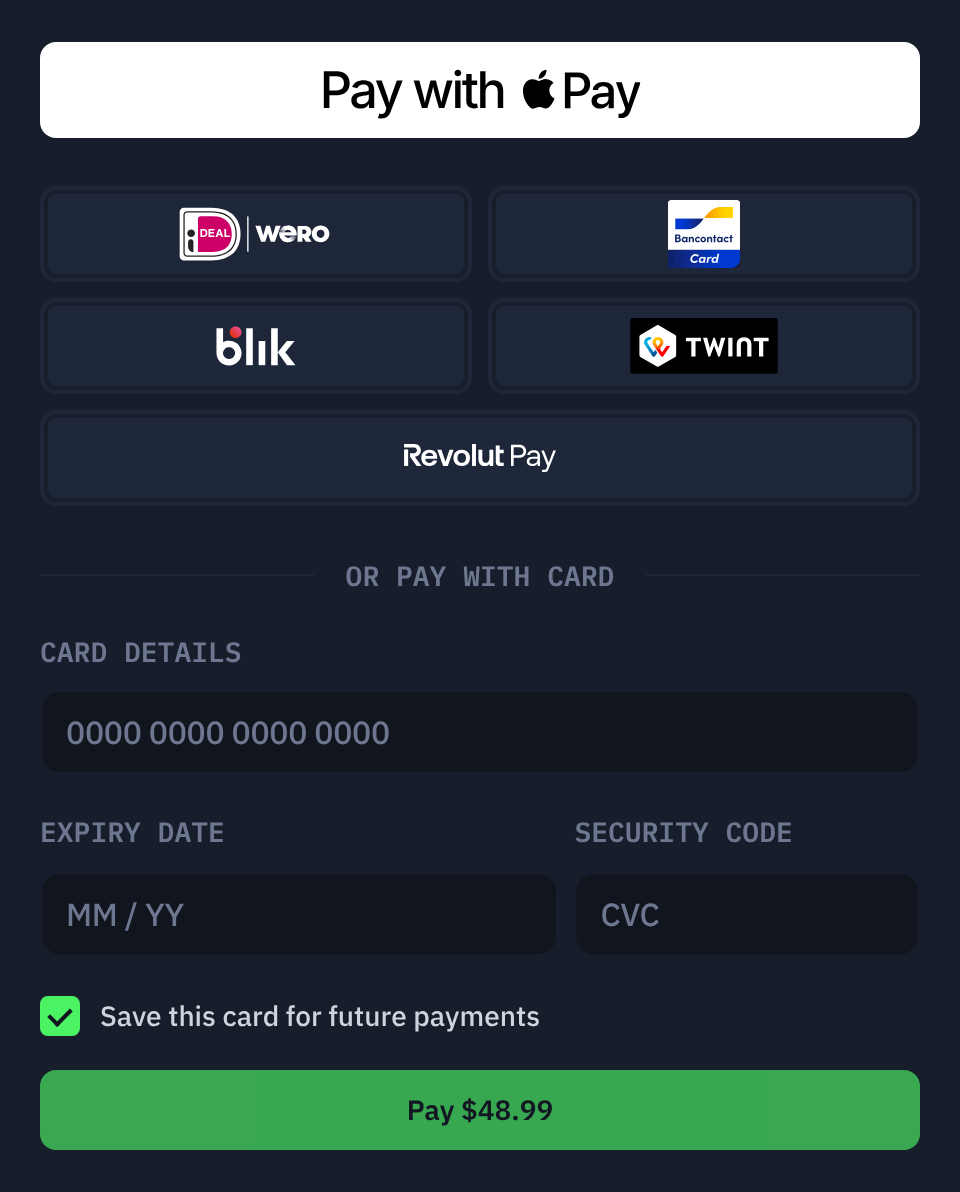
- You create the payment; we respond with the
redirectUrl. - The payment page shows a button for each APM in
methodsthat's enabled on your account. - The customer picks one and approves the payment at their bank. A bank's page can't run inside a frame, so an embedded page opens it in a new tab, which closes itself when the customer returns. A full-page checkout goes to the bank in the same tab.
- We send the webhook to your
callbackUrlwith the final state. Approval can take a few minutes, and the payment stayspendinguntil the bank confirms it.
Webhooks report the APM as instrument, for example "instrument": "ideal", with card set to null. GET /payments/{paymentId} includes instrument once the customer has chosen a method.
Choosing APMs per payment
To offer only the APMs that suit your customer, name them instead of apms. A single one is fine:
{ "methods": ["card", "ideal"] }An APM that isn't enabled on your account is left out, and the response's methods shows what the page will offer, so an APM we switch off doesn't break your payment creation. To match your customer's country, map it from your own records and fall back to apms when nothing applies:
const APMS_BY_COUNTRY: Record<string, string[]> = {
  NL: ["ideal"],
  BE: ["bancontact"],
  PL: ["blik"],
  CH: ["twint"],
};

const requested = ["card", "wallets", ...(APMS_BY_COUNTRY[customerCountry] ?? ["apms"])];
What the customer sees, and what you receive
Each row is one moment of the flow: what the page shows, the payment's status, and what reaches you as a webhook and, when embedded, as a mintcash:checkout message.
| Moment | The customer sees | Status | You receive |
|---|---|---|---|
| Page loads | The APM buttons, as tiles or a list | created | Nothing yet |
| Taps an APM, full page | "Taking you to iDEAL…", then the bank's page in the same tab | pending | payment.pending |
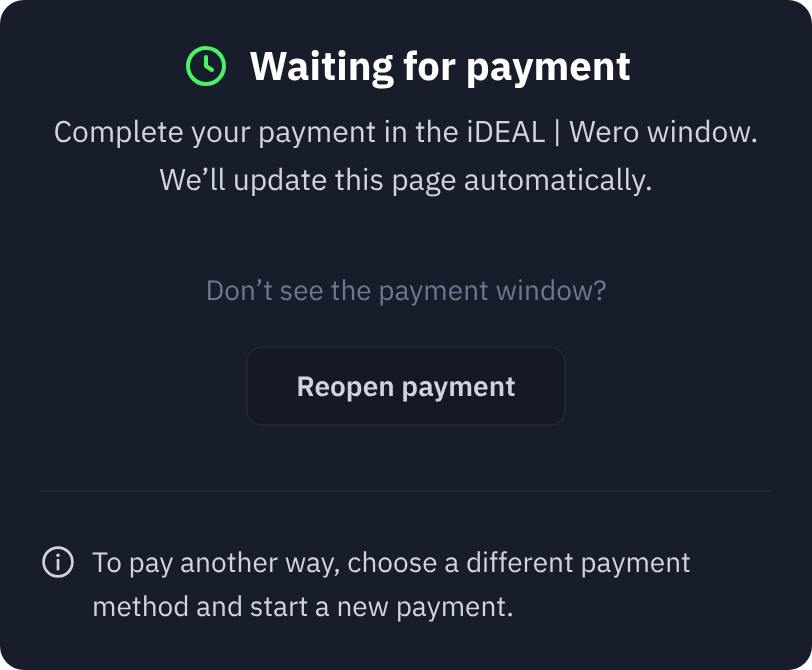
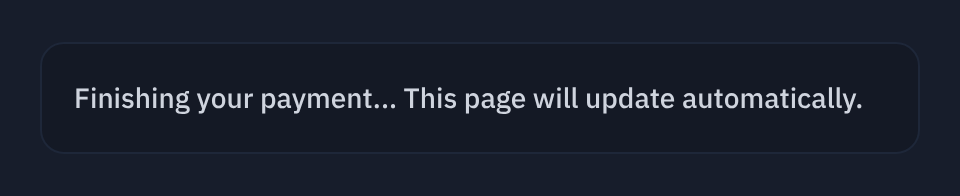
| Taps an APM, embedded | The bank opens in a new tab. The frame shows "Waiting for payment" with a "Reopen payment" button in case the tab was closed | pending | payment.pending, and mintcash:progress with stage started |
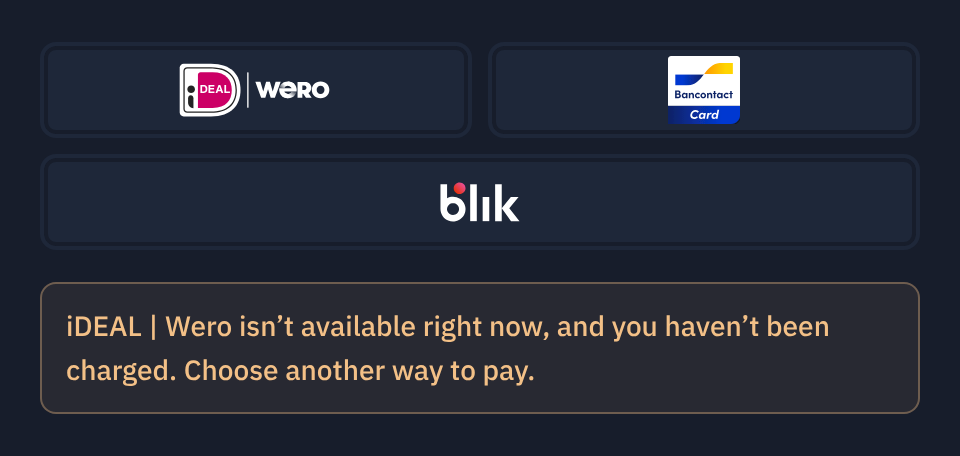
| The bank can't start the payment | "iDEAL isn't available right now, and you haven't been charged. Choose another way to pay." The other methods stay usable | back to created | Nothing; the payment is open again. After three such failures on one payment it is declined instead |
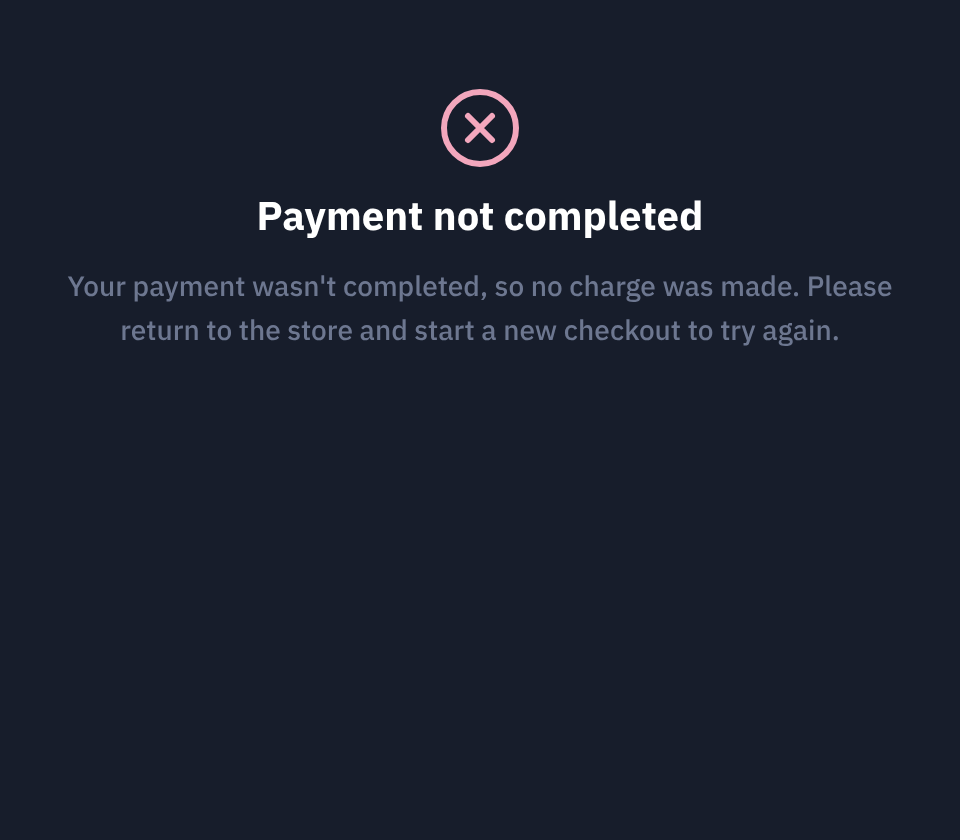
| The bank refuses before the customer reaches it | "Payment not completed. Your payment wasn't completed, so no charge was made…" | failed | payment.failed, and mintcash:checkout with status declined |
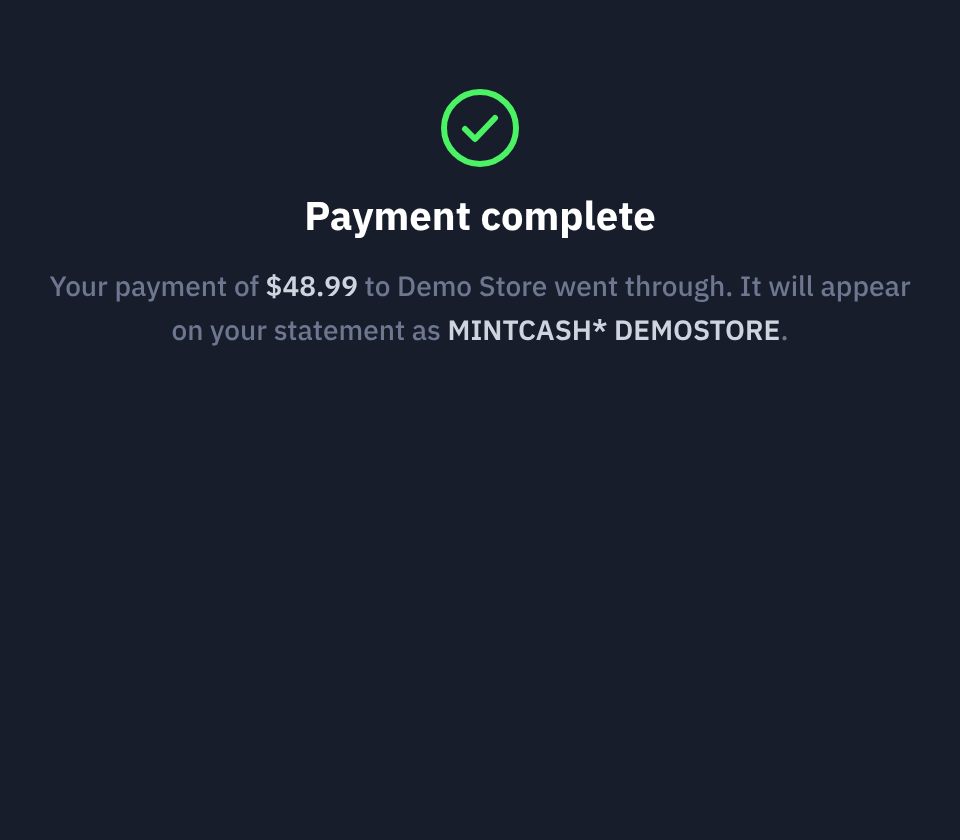
| Approves at the bank | "Payment complete", or "Payment received" when embedded | succeeded | payment.succeeded, and mintcash:checkout with status succeeded |
| Cancels at the bank | "Payment not completed…" | failed | payment.failed, and mintcash:checkout with status failed |
| Still at the bank after five minutes | The frame keeps waiting, checking less often | pending | mintcash:checkout with status pending, once; the final status follows when the bank answers |
| Comes back through a banking app | A result page in a new tab, asking them to switch back to your tab, with a link to your returnUrl | per outcome | The webhook for that outcome |
| Returns to the checkout while the payment is still open | "Your iDEAL payment isn't finished…" with a "Continue to iDEAL" button | pending | Nothing new |
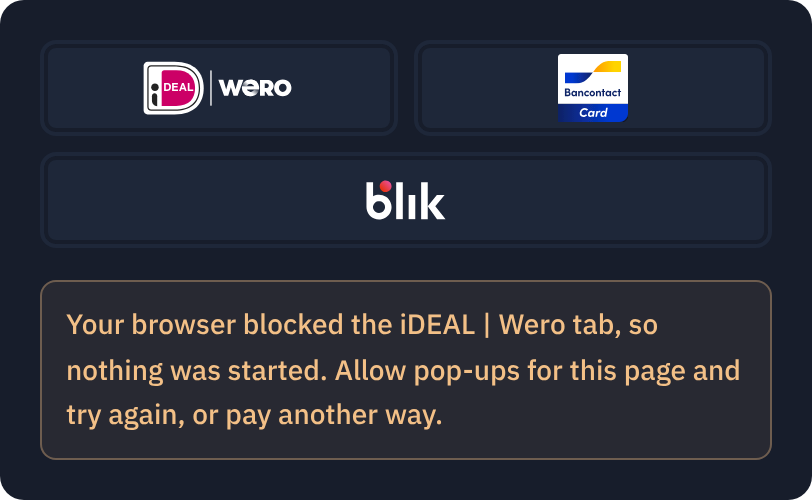
| The browser blocks the bank tab (embedded) | "Your browser blocked the iDEAL tab, so nothing was started. Allow pop-ups for this page and try again, or pay another way." | created | Nothing |
| Pays in one frame, then tries another frame of the same payment | That frame reports the payment as in progress | pending | mintcash:checkout with status pending from that frame |
How long a payment stays open
- The payment page link works for 15 minutes after creation while nothing has been started. After that it shows an expired notice, and you create a new payment.
- Once the customer has reached the bank, the payment stays
pendinguntil the bank answers, however long that takes. Our page keeps watching: every few seconds for the first five minutes, then every fifteen. An embedded page postspendingonce at the five-minute mark so you can show a "still processing" state, and posts the final status when it arrives. - We can't tell an abandoned bank page from a slow one. If the customer leaves the bank without deciding, the payment stays
pendinguntil our provider closes it, which can take as long as the bank's own time limit. Don't block the customer on it: let them start a new payment. The old one can't be paid twice, but if they do complete it later you receive itspayment.succeededlike any other, so handle a late success the way you handle one for a card. - If an APM fails to start (the bank is unreachable, say), the payment is reopened and the customer can pick another method. After three failed starts on one payment it is declined, so a broken method can't hold a payment open forever.
Coming back from a banking app
On a phone, the bank can send the customer to its app, and the app returns them in a new browser tab. That tab shows the result and asks the customer to switch back to your tab, which already has the outcome. When the payment has a returnUrl, it also offers a link back to it, with ?paymentId= appended. Make sure that page works when opened in a new tab and keeps the customer signed in: session cookies set with SameSite=Strict aren't sent on that link, so use SameSite=Lax.
Embedding
APMs leave the page. An embedded checkout opens the bank in a new tab from the click on the APM button and keeps watching in the frame, so:
- Your
<iframe>needsallow="payment"as for every checkout. If it also has asandboxattribute, addallow-popups allow-popups-to-escape-sandbox, or every APM button reports the tab as blocked. - Keep the frame mounted from
mintcash:progressuntilmintcash:checkoutarrives: the result lands in the frame, not in the bank tab. - The bank tab closes itself when the customer returns. If the browser refuses, it shows the result and asks the customer to switch back.
What to test
APMs can't be exercised in sandbox: creating a payment with APMs in methods works, and the page renders the buttons, so you can build and style your layout there, but a tap on an APM button can't reach a bank. Once APMs are enabled on your live account, run each flow you plan to ship with a small amount:
- Happy path: approve at the bank and confirm
payment.succeeded. - Cancellation: cancel at the bank and confirm
payment.failed. - Embedded: confirm the bank opens in a new tab and your page receives
mintcash:progressand thenmintcash:checkout. - Phone: pay through a banking app and confirm the link back lands on a working, signed-in page.
- Two frames, if you use them: start paying in one, then try the other, and confirm it reports the payment as in progress.
Accept Apple Pay
Offer Apple Pay on the hosted payment page, as a wallet-only page or as a standalone button: what to send your account manager, how the payment flows and what to test before going live.
Choose what the checkout offers
Pick the payment methods a payment's page offers with `methods`, narrow what one frame shows with `view`, and lay out the same payment across several frames of your own checkout.